Hindi is spoken by hundreds of millions of people, yet many learners still don’t know where to start when they sit down at a computer. Which Hindi typing keyboard should you use? Do you need a special keyboard? What is the difference between Inscript and Remington? And how do you practice without wasting weeks on the wrong method?
This guide answers all of those questions. You will learn how the Hindi keyboard works, compare the three most popular Hindi keyboard layouts, set up Hindi typing on any device, and find out how to build speed with Hindi typing practice online. If you want to get started right away, you can use our free Hindi typing lessons as you read.
What Is a Hindi Typing Keyboard?
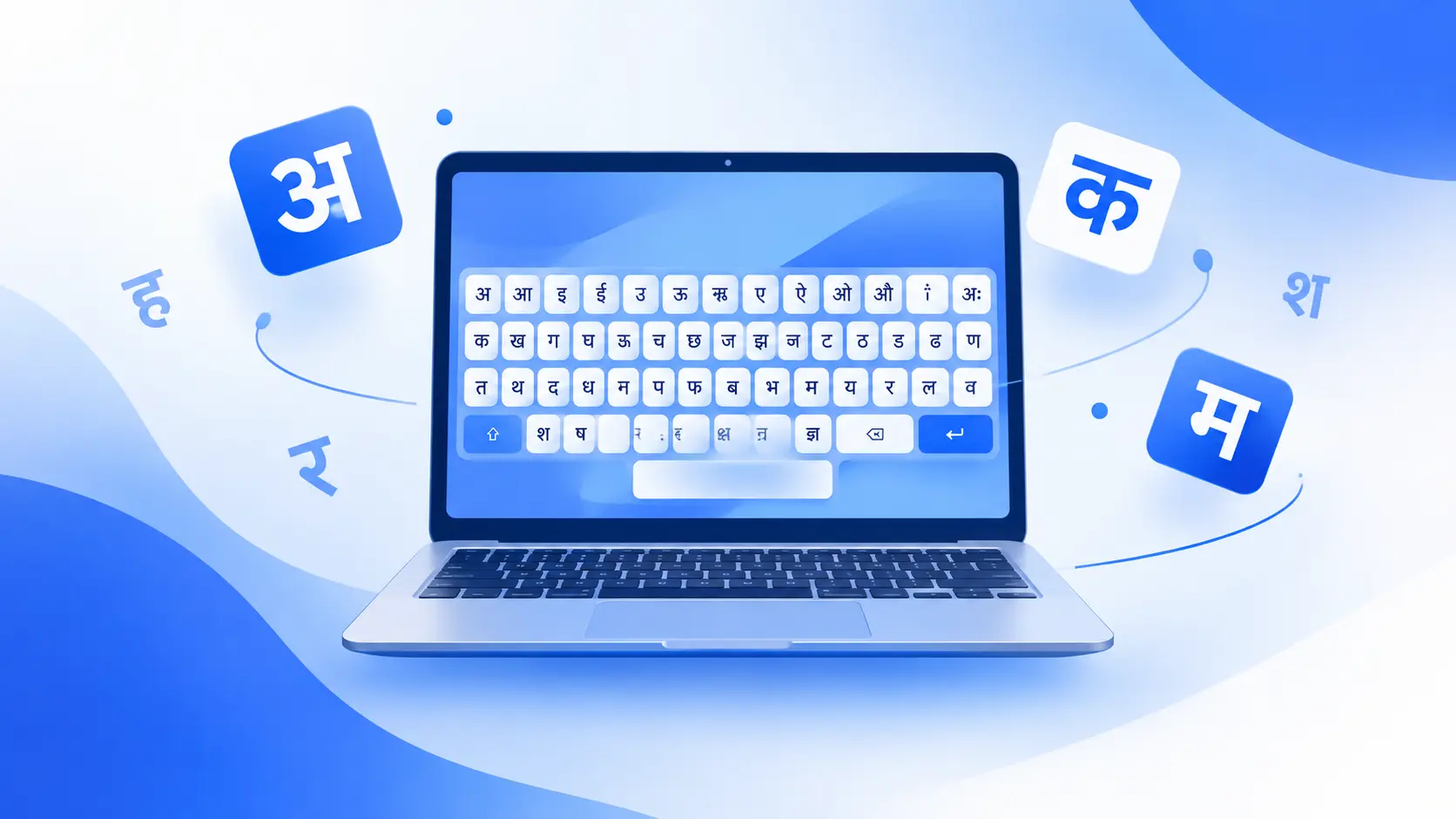
A Hindi typing keyboard is a keyboard layout that lets you write in Devanagari, the script used for Hindi. The good news is that you don’t need to buy special hardware. A standard English (QWERTY) keyboard can type Hindi once you switch the input layout in your device settings.
There are three ways people usually type Hindi:
- Physical keyboard with a Hindi layout enabled: the most common option for students, office workers and exam candidates.
- On-screen keyboard: useful for tablets, phones or when you can’t change settings.
- Online Hindi typing tools: work in your browser with no installation. Ideal for quick practice and tests.
Because Devanagari has more characters than the English alphabet, with consonants, vowels, matras (vowel signs), half letters and conjuncts, each layout uses the Shift key and special combinations to fit everything in.
Types of Hindi Keyboard Layouts
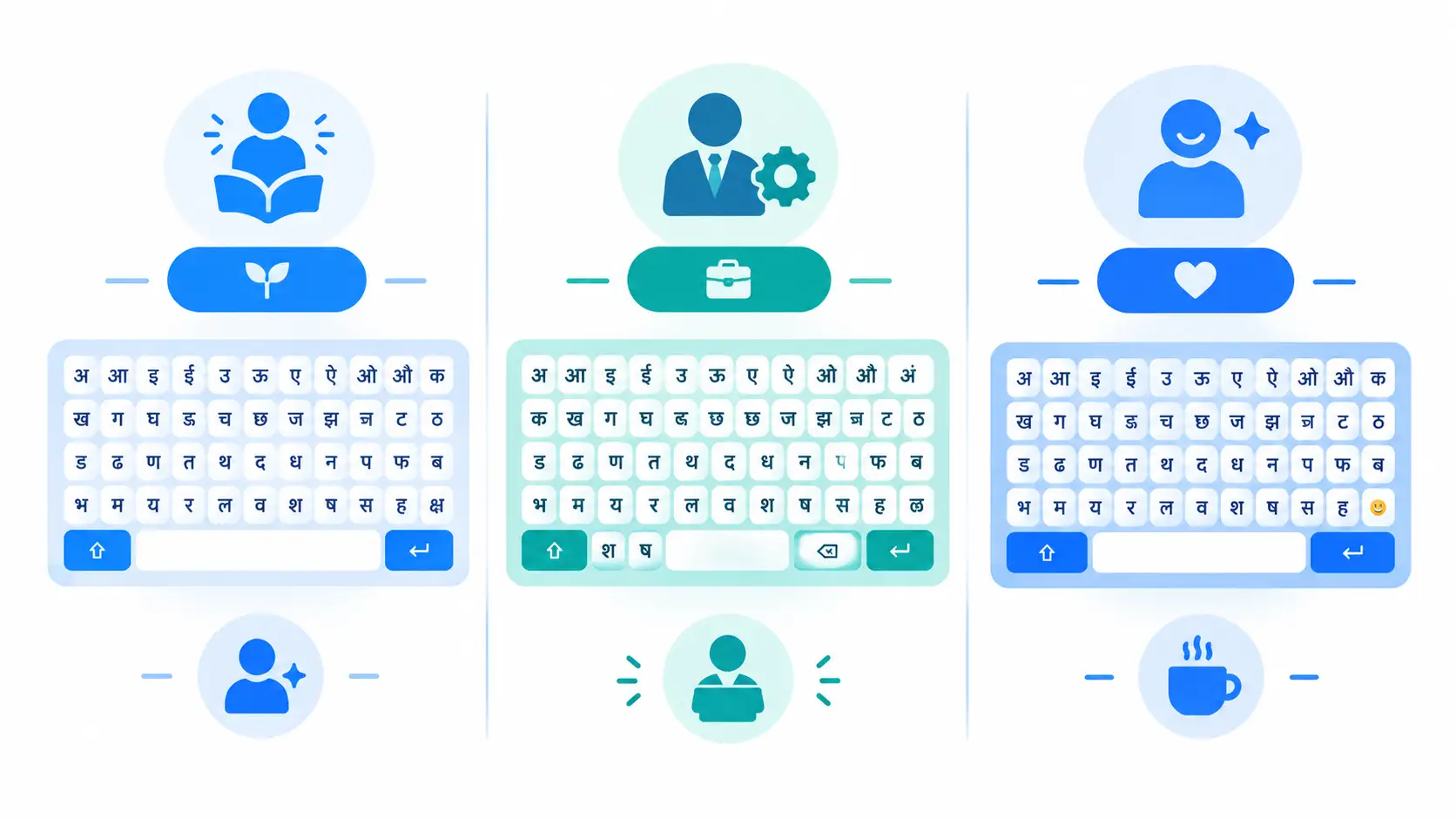
Choosing the right layout is the most important decision you will make. Once you learn a layout, your fingers memorize it, and switching later takes time. Here are the three main options.
1. Inscript Keyboard (Recommended for Most Learners)
Inscript is the standard Hindi keyboard layout defined for Indian languages. It is built into Windows, macOS, Android and iOS, so you can use it on almost any device with no extra software.
Its biggest advantage is logic. Consonants sit on the right side of the keyboard and vowels on the left, and the layout is designed so that the same key positions work across many Indian scripts. If you later learn to type in another Indian language, much of what you learned carries over.
Best for: beginners, students, office work, and anyone who wants a layout that works on every device.
2. Remington Layout (Remington Gail and CBI)
The Remington layout is a traditional typewriter-style arrangement. Many experienced typists and clerks learned on it, and some government typing exams are still based on it. You will often see it called Remington Gail or Remington CBI, which are two variations of the same idea.
It takes longer to learn, and you often need extra software or a font-based setup, but many professional typists type very fast on it because they have used it for years.
Best for: candidates preparing for exams that specifically require Remington, and people who already know typewriter layouts.
3. Phonetic (Transliteration) Keyboard
A phonetic Hindi keyboard lets you type Hindi words using English letters. You type “namaste” and the tool converts it to "नमस्ते". Google Input Tools and many mobile keyboards work this way.
This is the easiest way to start, because you don’t have to learn a new layout. The drawback is speed and control: you often need to correct suggestions, and it is not accepted in most typing tests.
Best for: casual users, social media, quick messages.
Quick Comparison Table
| Layout | Difficulty | Speed Potential | Best For |
|---|---|---|---|
| Inscript | Medium | High | Beginners, general and professional typing |
| Remington (Gail/CBI) | Hard | Very high with practice | Typing exams, typewriter-trained users |
| Phonetic | Easy | Low to medium | Casual use, quick messages |
Our advice: if you are starting from zero, learn Inscript. It works everywhere, it is future-proof, and it gives you a strong foundation. Choose Remington only if your exam or employer requires it.
How to Enable Hindi Typing on Your Device
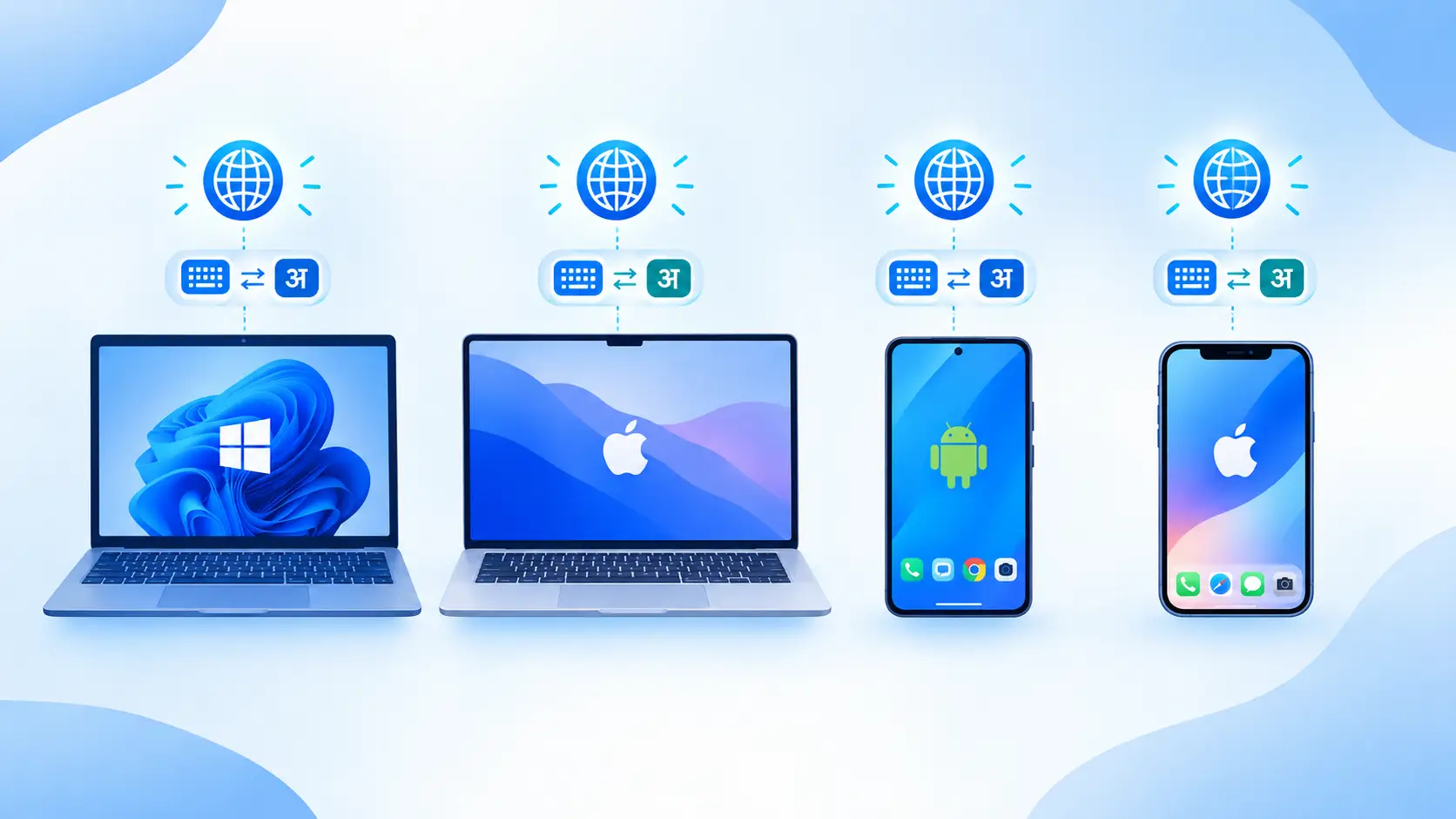
You can set up Hindi typing in under two minutes. Here is how to do it on each platform.
On Windows 10 and Windows 11
- Open Settings and go to Time & Language, then Language & Region.
- Click Add a language and choose Hindi.
- After installation, open the language options and add the keyboard. Hindi Traditional is the Inscript-style layout, and Hindi Phonetic is the phonetic option.
- Press Windows key + Space to switch between English and Hindi at any time.
On Mac
- Go to System Settings and open Keyboard, then Input Sources.
- Click Add, choose Hindi, and select Inscript or Transliteration.
- Switch languages from the menu bar or with the shortcut you have assigned.
On Android
- Open your keyboard app (such as Gboard) and go to Languages.
- Add Hindi and choose the layout you prefer.
- Tap the globe icon to switch between English and Hindi.
On iPhone
- Go to Settings, then General, then Keyboard, then Keyboards.
- Tap Add New Keyboard and choose Hindi.
- Select the Devanagari or Transliteration option, then tap the globe icon to switch.
Online, With No Installation
If you can’t change settings, for example on a shared or office computer, use an online tool. You can practice instantly with our online Hindi typing tool and see your speed and accuracy in real time.
Hindi Typing Basics: Matras, Half Letters and Conjuncts
Hindi typing feels different from English typing because of how the script is built. Understanding three ideas will make everything easier.
Matras (Vowel Signs)
In Hindi, vowel sounds attach to consonants as signs, called matras. On the Inscript layout, matras sit on the left side of the keyboard, mostly on the home row, so your left hand handles them. This is one reason the layout feels natural once you practice.
Halant (्) and Half Letters
The halant is the small slanted mark that removes the inherent vowel from a consonant. It is how you make half letters. On Inscript, the halant sits on the left home row, which makes it fast to reach.
Conjuncts (संयुक्ताक्षर)
Conjuncts are formed when two or more consonants join together. The method is always the same: consonant + halant + consonant. For example, क + ् + त produces क्त. Once you understand this pattern, you can build almost any conjunct, and you stop memorizing each one separately.
Common conjuncts such as क्ष, त्र and ज्ञ appear often, so practice them early.
8 Tips to Type Hindi Faster
Speed in Hindi comes from the same fundamentals as English typing, with a few script-specific habits.
- Pick one layout and stay with it. Switching between Inscript and phonetic keeps you slow.
- Learn finger placement first. Use the home row, keep your wrists relaxed, and avoid looking down. Our touch typing guide explains the technique in detail.
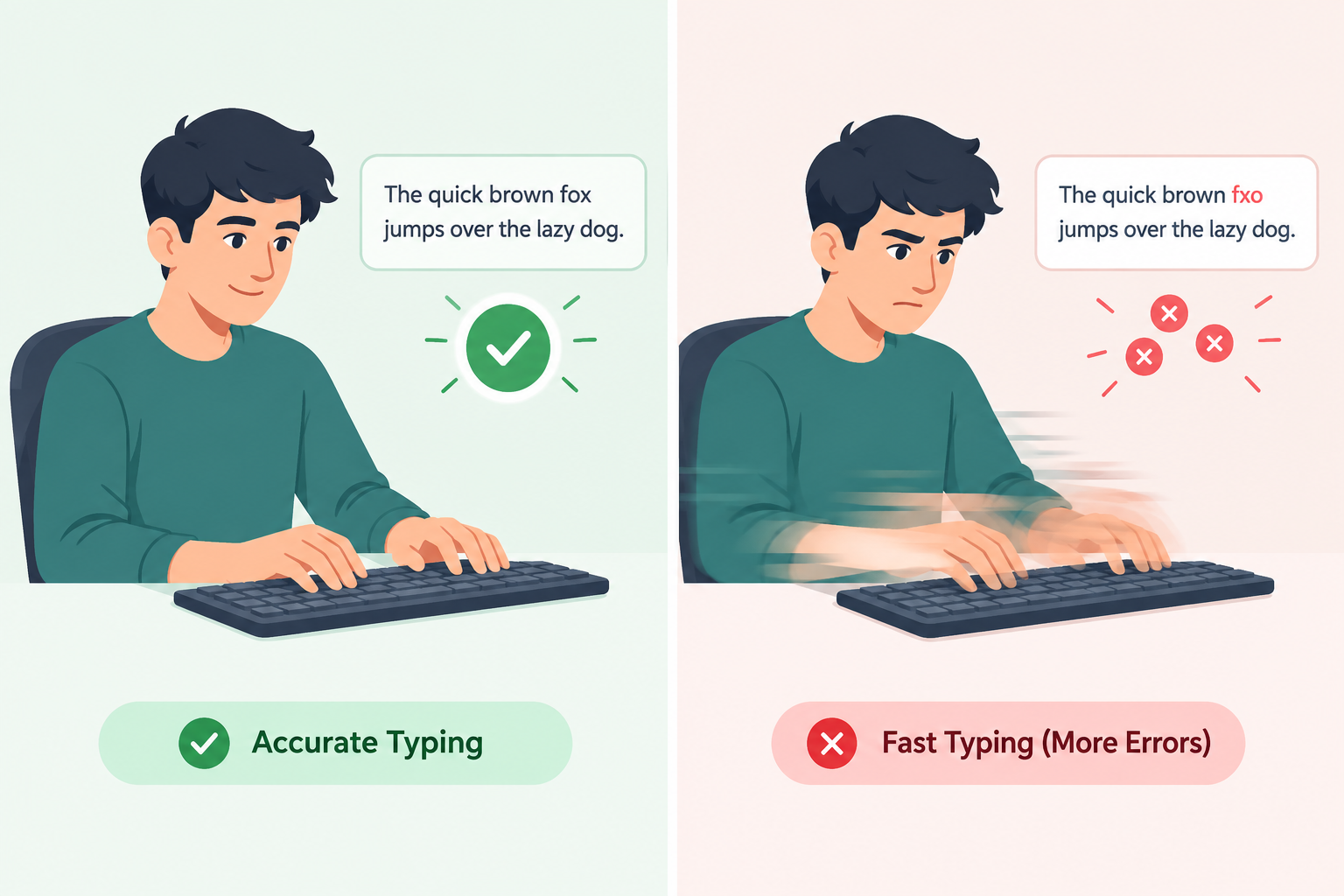
- Prioritize accuracy. Fast but messy typing costs you more time in corrections. Read our post on typing accuracy vs. speed.
- Practice 15 to 20 minutes daily. Short, consistent sessions beat one long weekly session.
- Master matras and halant early. They appear in nearly every word.
- Type real words and sentences, not just single letters, once you know the basics.
- Track your progress. Take a Hindi typing test weekly and watch your WPM rise.
- Check your posture. Sit upright, keep your elbows near 90 degrees, and take short breaks.

Practice Hindi Typing Online with TypingPractices
Knowing the theory isn’t enough. Typing is a skill your fingers learn through repetition, and the fastest way to improve is structured practice.
On TypingPractices.com you can:
- Follow step-by-step Hindi lessons from easy to advanced.
- Take a timed Hindi typing test and see your WPM and accuracy.
- Practice with no downloads, right in your browser.
- Compete on the global leaderboard to stay motivated.
- Practice in other languages too, including English, Urdu and Chinese.
Start Hindi Typing Lessons Free →
Hindi Typing for Exams and Jobs
Hindi typing is a valuable skill for many careers, including data entry, clerical roles, translation, journalism, content writing and several government positions. Some recruitment exams include a Hindi typing test, and the required speed and layout (Inscript or Remington) differ by exam and change over time. Always check the latest official notification for your exam before you decide which layout to learn.
Practicing with timed tests is the best preparation, because it teaches you to stay accurate under time pressure.
Frequently Asked Questions
Which is better, Inscript or Remington?
For most learners, Inscript is better because it is built into every major device and is easier to learn logically. Remington is better only if your exam or workplace specifically requires it.
Can I type Hindi on an English keyboard?
Yes. You don’t need a special keyboard. Enable a Hindi layout in your device settings, or use an online Hindi typing tool, and your regular QWERTY keyboard will type Devanagari.
What is a good Hindi typing speed?
It depends on the purpose. Beginners often start at a low speed and improve steadily with daily practice. For jobs and exams, check the specific requirement, since it varies. Consistent practice and accuracy matter more than rushing.
How long does it take to learn Hindi typing?
With 15 to 30 minutes of daily practice, many learners become comfortable within a few weeks, and reach good speed in two to three months. The time depends on your starting level and consistency.
Is phonetic typing good for learning Hindi typing?
It is good for casual use, but it is not ideal if you want professional speed or need to pass a typing test. Learning Inscript gives you better long-term results.
Conclusion
Choosing the right Hindi typing keyboard sets the foundation for everything that follows. If you are a beginner, start with Inscript, set it up on your device, learn matras and halant, and practice a little every day. Use a Hindi typing test regularly to measure progress, and stay patient: speed comes naturally with repetition.
Ready to begin? Open our free Hindi typing lessons and take your first practice session today.